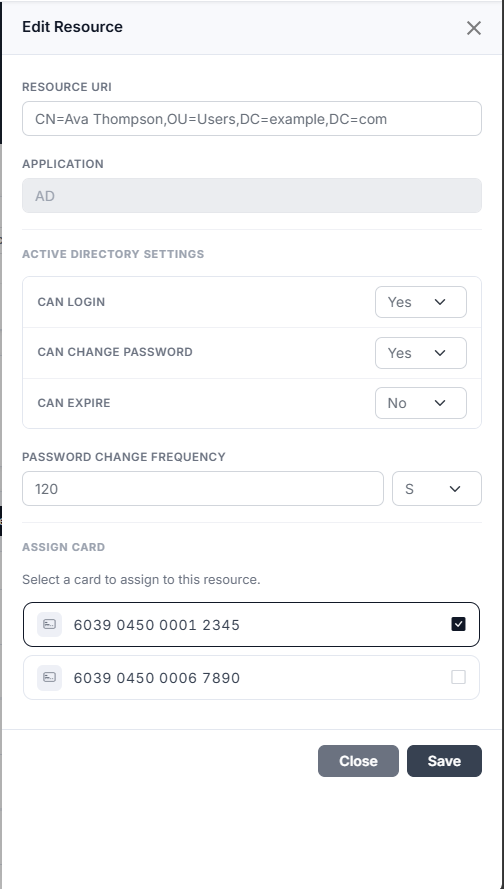
This section provides guidance on how to edit resources. These resources are essential for administrators to effectively manage user access and enhance security protocols within the organization.
-
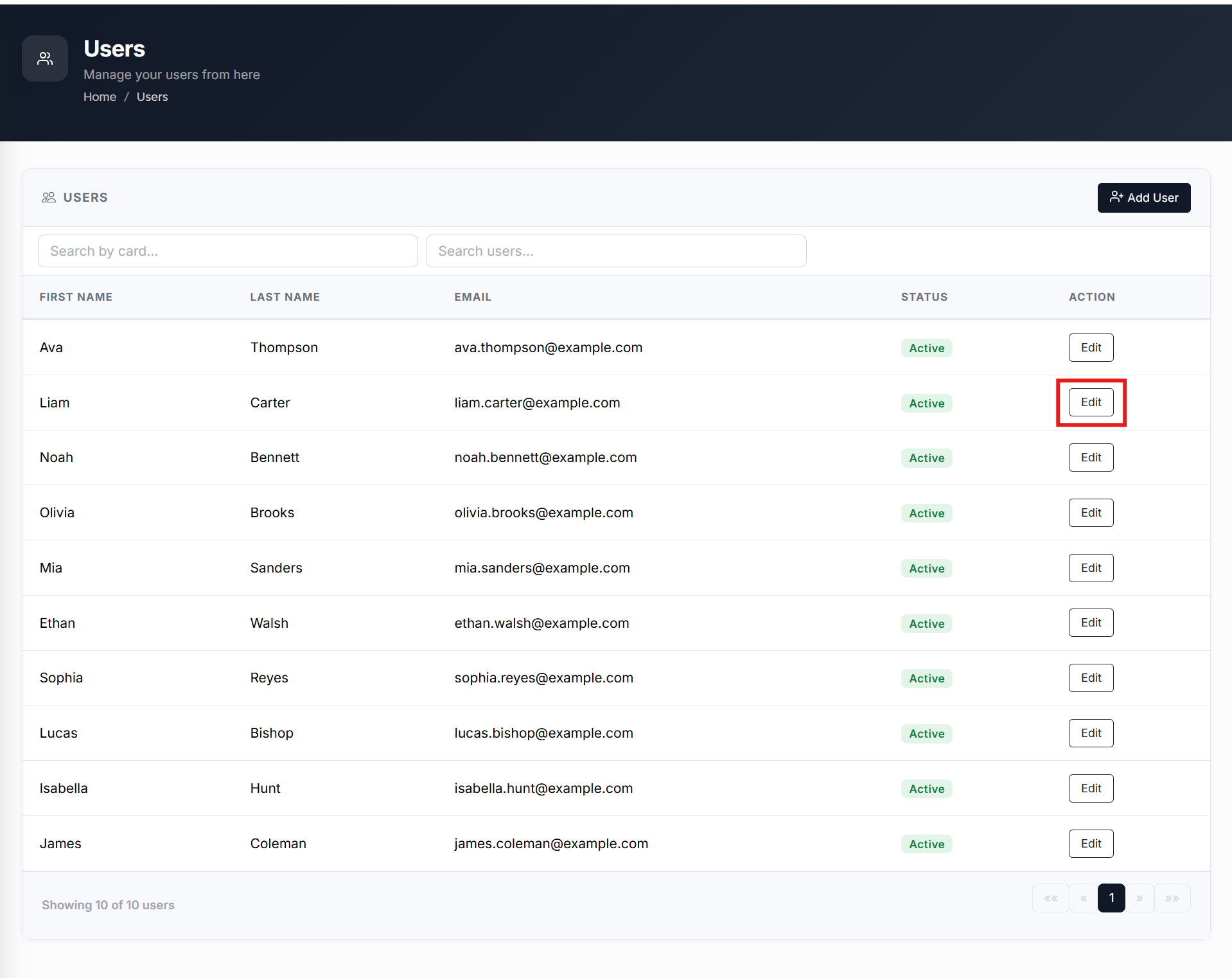
From the Home page, click on Users to open the Users - Manage your users from here page displaying the list of existing users.
or
In the Home page, go to the Users option from the left navigational pane and click on it. The Users -
Manage your users from here page opens up displaying the list of existing users.
-
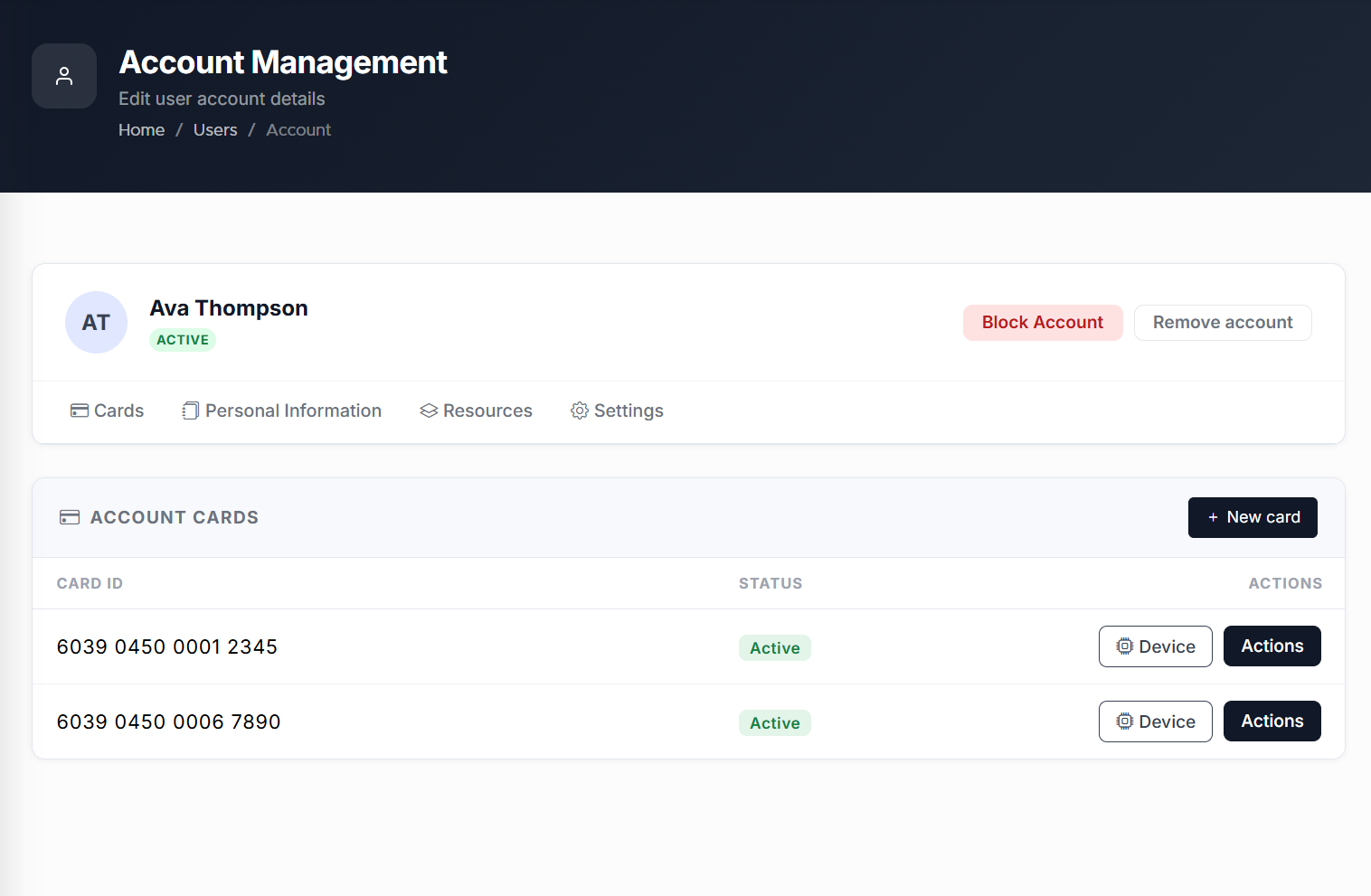
Click Edit to navigate to the Users records. The User’s Account Management page opens up displaying the list of Users Keyek Cards info.
-
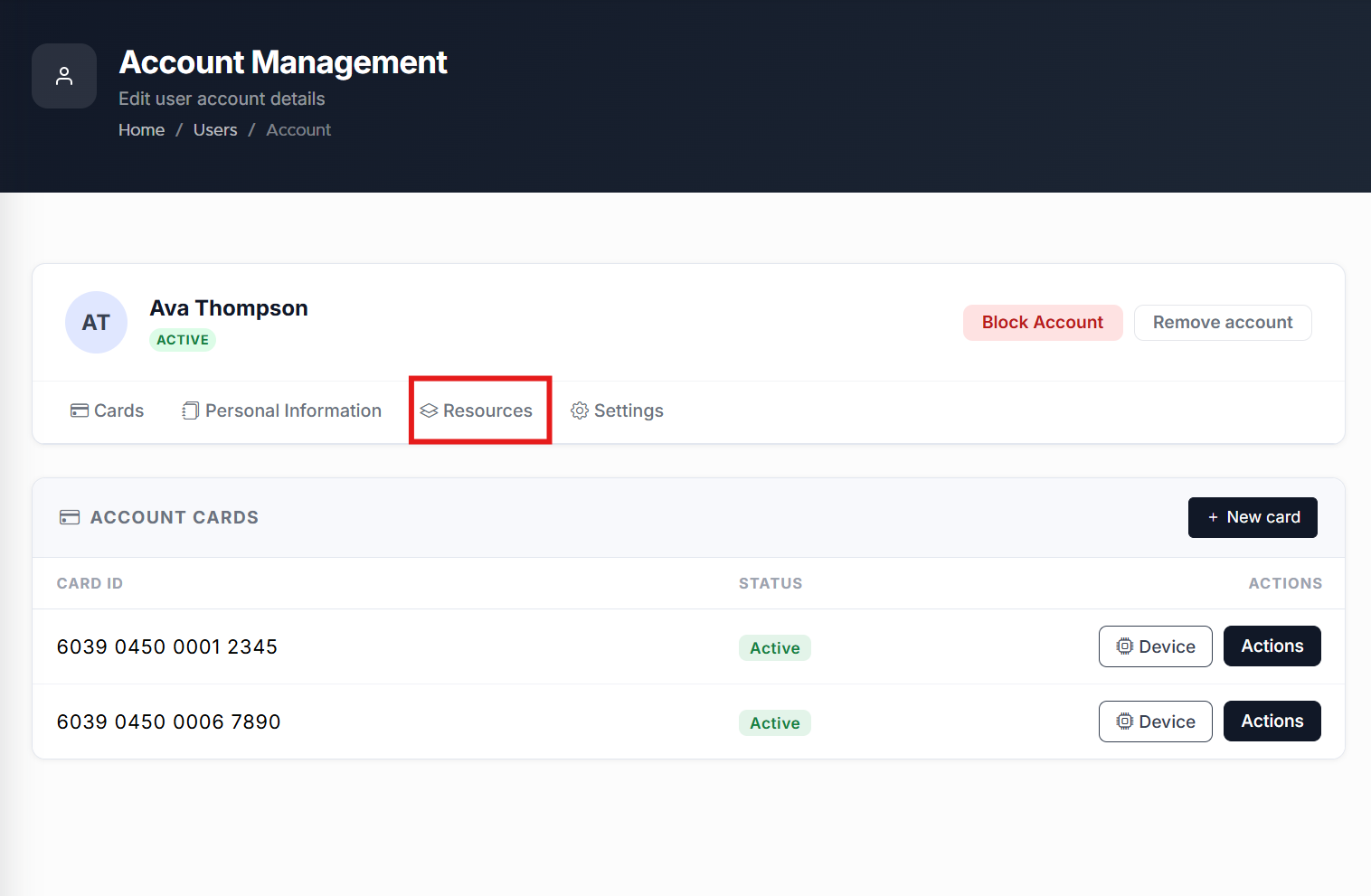
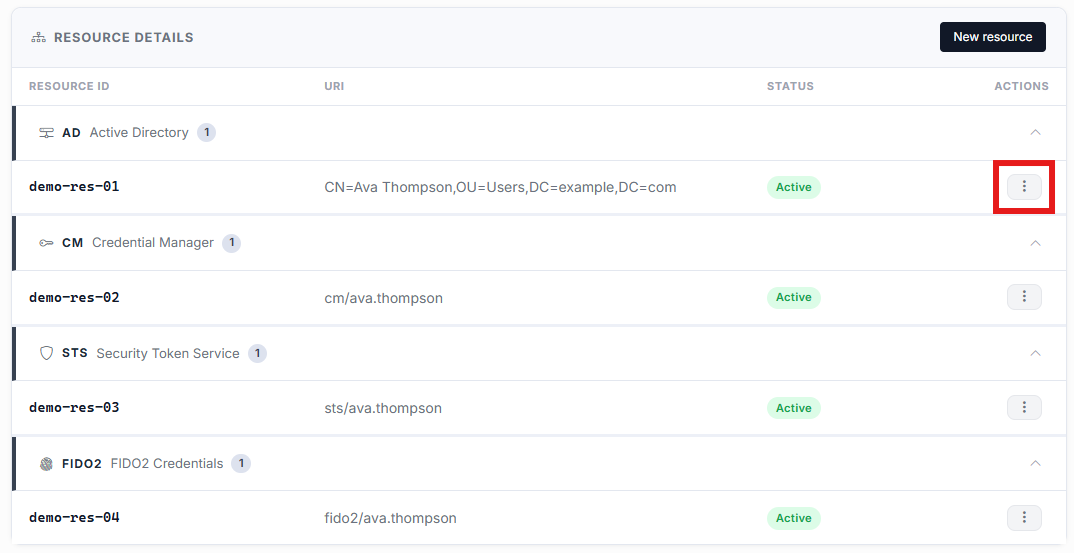
Go to the Resources tab and click on it. The Resources details page opens up displaying the list of all the existing resources added to the user.
-
Select the ellipsis (three dots) menu on the right side of the resource you wish you edit
-
Make the necessary changes to the resources and click Save.